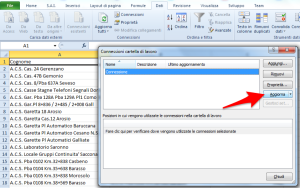
This simple tutorial will show you how to download data into an excel spreadsheet, creating a web query.
Download data into excel
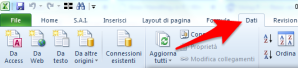
select “data” tab
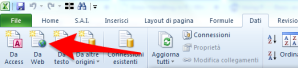
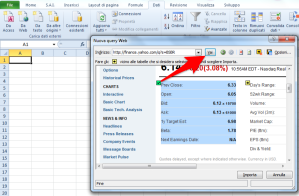
select “from web”
input the desidered web URL
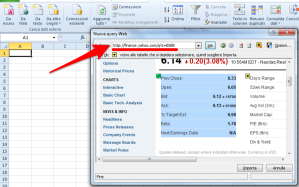
click “go” button
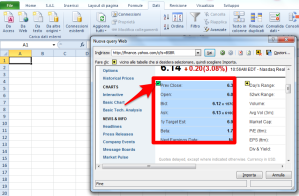
**select **data you want to download
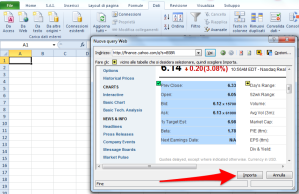
click “import” button
Refresh downloaded data
select “data” tab
![Image [9]](https://andreacirilloblog.files.wordpress.com/2014/10/image-9.png?w=300)
select “connections”

select your connection
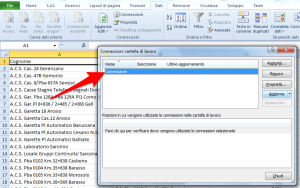
click “refresh” button